TrailFind your next favorite trail
GetIn-App Purchases
AGE RATING4+Years
CATEGORYTravel
LANGUAGEENEnglish
Find a trail.
Find your calm.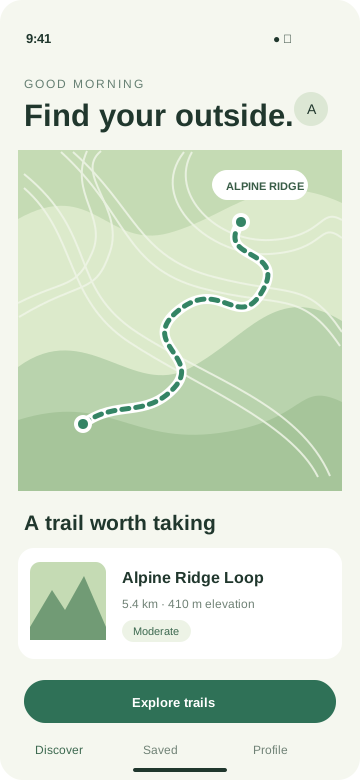
Find your calm.
A little further.
A little freer.
A little freer.
A little more adventure, every day.
Create App Store creative assets with editable layouts, real screenshots, and backgrounds you can make your own.
Checking AI availability...
Fictional Trail app. Header and search template compositions.
Use a template, your own artwork, or an AI background. Keep your screenshots, icon, and message in separate layers.
This editor exports opaque JPEG images. Adjust each layout instead of stretching one composition across every placement.
| Placement | Export dimensions | Format |
|---|---|---|
| Product page header21:9 | 3840 × 1646 px | JPEG |
| Search results3:2 | 1920 × 1280 px3840 × 2560 px | JPEG |
| In-App Event card16:9 | 1920 × 1080 px3840 × 2160 px | JPEG |
| In-App Event details9:16 | 1080 × 1920 px2160 × 3840 px | JPEG |
Your original app layers stay editable. Scaling a background to the final dimensions does not add native detail.
Check your app's placement eligibility and review the final files in App Store Connect. Exports do not guarantee Apple acceptance.
Apple's creative assets specificationsYour screenshot, icon, and text stay in editable foreground layers. AI is used for the background. Review the complete composition for accuracy before uploading it to App Store Connect.
Yes. Use a template or upload your own compatible image. Changing text, colors, cropping, and layout does not submit a new AI request or consume generation credits.
The editor exports opaque JPEG images for the selected placements. Download files individually or together in a ZIP. The manifest records dimensions and source information; it is not an Apple approval.
Images and videos share one credit balance. Before submission, the editor shows the reservation for your model, size, quality, and references. Confirmed failures return that reservation; successful results still use credits if you choose not to use them.