TrailFind your next favorite trail
GetIn-App Purchases
AGE RATING4+Years
CATEGORYTravel
LANGUAGEENEnglish
Find a trail.
Find your calm.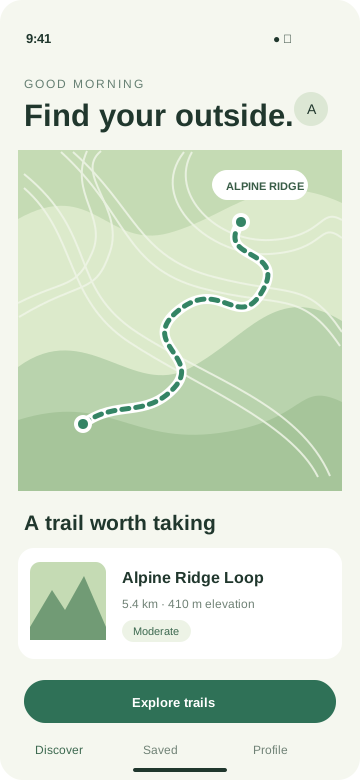
Find your calm.
A little further.
A little freer.
A little freer.
A little more adventure, every day.
Build looping App Store creative assets with real app layers, restrained motion, and separate layouts for each placement.
Checking AI availability...
Fictional Trail app. Header and search template compositions.
Animate a still image, use your own footage, or request an AI background. Your real interface and copy remain separate.
This editor exports H.264 MP4 files at 30 fps. Review every finished loop before uploading.
| Placement | Export dimensions | Export length |
|---|---|---|
| Product page header21:9 | 3840 × 1646 px | 5-30 seconds |
| Search results3:2 | 1920 × 1280 px3840 × 2560 px | 5-30 seconds |
| In-App Event card16:9 | 1920 × 1080 px3840 × 2160 px | 15-30 seconds |
| In-App Event details9:16 | 1080 × 1920 px2160 × 3840 px | 15-30 seconds |
Search exports are muted. Scaling a source to the final dimensions does not add native detail.
Check your app's placement eligibility and review the final files in App Store Connect. Exports do not guarantee Apple acceptance.
Apple's creative assets specificationsThis tool creates creative assets for product page headers, search results, and In-App Events. It does not automatically build a full App Preview walkthrough or publish a video to App Store Connect.
No. AI background requests support 5, 10, or 15 seconds, depending on the placement. A longer final export can repeat that source. The editor keeps source duration separate from export duration.
Audio is off by default. Search exports stay muted. Other placements can include compatible AAC audio, with conversion and output checks for event videos. The creative should remain understandable with sound off.
The finished-file review can play two cycles and show the opening and ending together. Inspect movement, text, and the join. You can select a poster time and download its JPEG; choose the corresponding poster in App Store Connect.